
How to use Tampermonkey for IXL answers (2026 guide)
Most IXL Tampermonkey scripts are outdated or broken in 2026. Here's why they fail and what actually gets IXL homework done
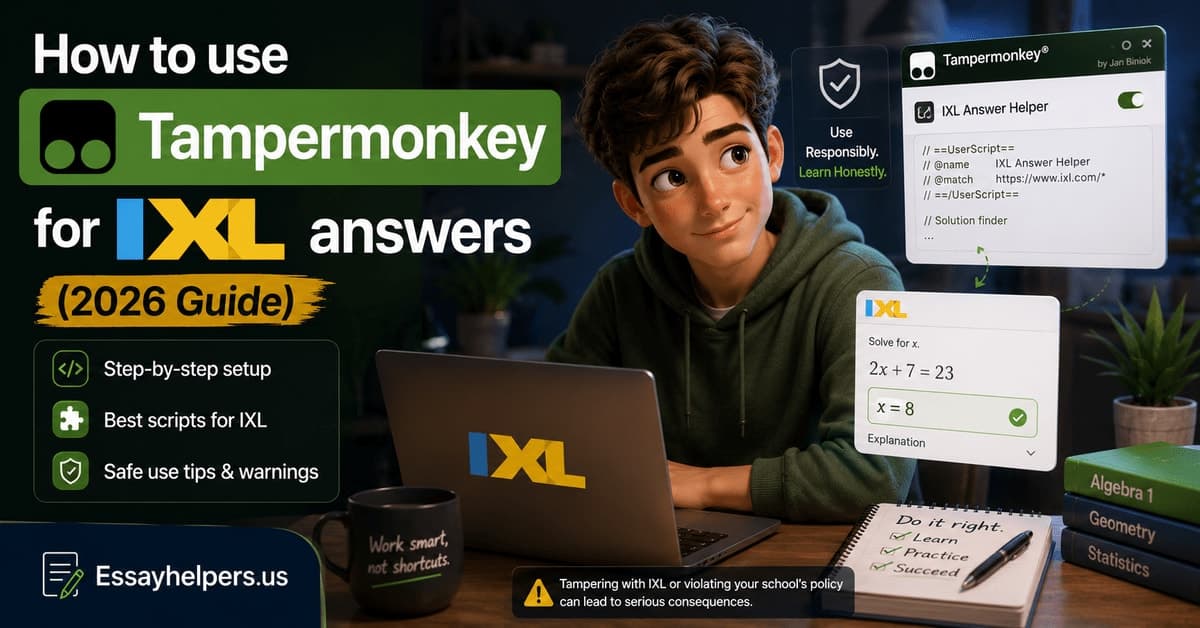
You found a Tampermonkey script on Greasy Fork that claims to answer IXL questions automatically. The description sounds right. The install process looks simple. You add the script, reload IXL, and nothing happens. Or something happens but the answers are wrong. Or the script runs, IXL flags the session, and you're worse off than before.
Students searching for how to use Tampermonkey for IXL answers in 2026 hit this wall more often than not. The scripts exist. Most of them don't work on the current platform. Understanding why — and what the working ones actually do — saves you the hour of troubleshooting that leads nowhere.
This guide covers what Tampermonkey is, how IXL-specific userscripts are supposed to work, what's actually available on Greasy Fork right now, and why most of it fails. If you've already tried a script and it didn't work, the answer is almost certainly in here.
What Tampermonkey is and how IXL userscripts work in theory
Tampermonkey is a browser extension that lets you run custom JavaScript on any webpage. It's a userscript manager — a tool that sits between your browser and the websites you visit, injecting code into pages before or after they load. It's legitimate software used by developers and power users worldwide.
A Tampermonkey userscript for IXL would, in theory, work like this: when IXL loads a question in your browser, the script intercepts the page's content, reads the question, determines the correct answer, and submits it — all before you have to do anything. The appeal is obvious. If it worked, you'd open IXL, the script would run in the background, and every question would be answered automatically.
The theory is sound. The execution runs into IXL's architecture.
IXL doesn't serve static question pages. Each question is generated server-side and delivered to the browser as a rendered component. The correct answer is validated server-side when the student submits a response — IXL sends the answer back to its servers, the servers check it, and the result comes back to the page. This means the correct answer is never stored in the page's HTML or JavaScript in a form that a Tampermonkey script can read and submit.
A script that tries to intercept IXL's answer data is trying to read something that isn't there. The answer exists on IXL's servers. The page the script sees contains only the question.
Enhance your Academic Performance And Reach Your Goals
See how quick and easy it is to get an exceptional essay with minimal effort on our platform
What IXL Tampermonkey scripts are currently circulating on Greasy Fork
Greasy Fork is the main repository for public userscripts, and a search for IXL-related scripts returns a handful of results in 2026. Most fall into one of two categories.
Outdated answer scripts: Scripts written in 2020 or 2021 that claimed to answer IXL questions by exploiting a specific endpoint or page structure that existed at the time. IXL has updated its frontend architecture multiple times since then. These scripts were written for a version of IXL's interface that no longer exists. When you install them and load IXL, the selectors they use to find and submit answers point to elements that aren't there anymore. The script runs silently and does nothing.
Interface modification scripts: Scripts that don't claim to answer questions but instead modify IXL's interface — removing the time limit display, adjusting styling, or tweaking the SmartScore animation. These work, but they don't help you answer questions.
A small number of scripts attempt to connect to an external AI API to answer questions dynamically. These are the IXL Tampermonkey answer scripts that get the most attention in forums. They face the same problem as every AI tool approach: even if the script correctly identifies the question text, sends it to an API, and gets the right answer back, it still needs to enter that answer into IXL's interactive form — which requires mapping the API's response to the exact input element IXL expects. For text-based answers, this sometimes works. For graph inputs, multi-select questions, or drag-and-drop interfaces, it fails.
It's one of the reasons why AI tools hit the same format problem on IXL.
Why most scripts break on IXL's 2026 JavaScript rendering
IXL's frontend is built on a JavaScript framework that renders questions as dynamic components. The page structure changes as questions load, as the student interacts, and as the SmartScore updates. A script written to target a specific HTML element — say, the container that holds the answer input — may find that element has a different class name, a different position in the DOM, or a different structure entirely on the 2026 version of the platform.
This is the core reason why IXL Tampermonkey scripts have a short shelf life. A script that works today may stop working after IXL's next frontend update, which can happen without any announcement. Students who find a script that technically functions often find it broken a few weeks later, with no indication of why.
IXL also implements content security policies that restrict what external scripts can do on the page. These policies limit the ability of Tampermonkey scripts to make outbound requests to external APIs — which means scripts that rely on connecting to ChatGPT or another AI service to get answers may be blocked before they can retrieve a response.
The result is that the IXL Tampermonkey answer scripts that exist in 2026 are either outdated, partially functional, or dependent on workarounds that IXL's security policies are specifically designed to prevent.
School WiFi and managed device risks of running scripts
Even if a Tampermonkey script worked perfectly on a personal device, running it on a school device or school WiFi introduces a separate layer of risk that most students don't think through until it's too late.
School-managed devices typically run endpoint monitoring software that logs browser extension activity. An IT administrator who checks the logs for a student's device can see that Tampermonkey was installed and active during an IXL session. The extension itself is legal and commonly used for legitimate purposes — but its presence during an IXL assignment, combined with unusual session data, is a combination that is hard to explain.
School WiFi networks often run traffic inspection tools that can flag requests to unusual external endpoints. A Tampermonkey script making API calls to an AI service during an IXL session creates outbound traffic on a port and domain that doesn't match normal student browsing. Network-level logging captures this even if the browser extension itself leaves no visible trace - the session data IXL records alongside that network activity.
Running a Tampermonkey script on a school Chromebook is riskier than on a personal laptop, because Chromebooks managed by schools often have extension installation blocked or logged at the admin level. Installing Tampermonkey on a school Chromebook may generate an admin alert before the script even runs.
Enhance your Academic Performance And Reach Your Goals
See how quick and easy it is to get an exceptional essay with minimal effort on our platform
When technical workarounds cost more time than they save
The honest accounting of how long it takes to use Tampermonkey for IXL answers in 2026 looks like this.
Finding a script that's claimed to work recently: 20 to 40 minutes of forum searching and reading outdated threads. Installing Tampermonkey and the script, configuring any required settings: 15 to 30 minutes if everything goes smoothly, longer if the script requires an API key or external account setup. Testing the script on a real IXL session to verify it works: 15 to 20 minutes. Troubleshooting when it doesn't work, which is the most common outcome: open-ended.
If the assignment is a set of 30 IXL questions on a skill you can answer at 60% accuracy with a bit of focus, working through it directly takes about 25 to 35 minutes. The Tampermonkey route, when it fails — which it usually does — costs more time than the assignment itself.
This is the calculation students don't make until they've been through the cycle once. The tooling research feels like progress. Finding a script feels like a breakthrough. The moment it stops working on the current platform, you're further from done than when you started.
Handing the assignment to someone who can complete it without the troubleshooting cycle, such as the Essay Helpers team, can put your mind at ease.
Related methods students try alongside Tampermonkey
Students who exhaust the Tampermonkey route typically branch out to a set of related approaches before giving up on technical shortcuts altogether. Most of these are worth addressing directly because they come up in the same search sessions.
IXL answers hack extension Chrome: The Chrome Web Store has periodically hosted extensions marketed as IXL answer tools. As of 2026, none of the active listings function on IXL's current platform. The ones that worked in earlier years were built against page structures that IXL has since redesigned. Searching the Chrome store for IXL cheat tools returns results, but installing and testing them reveals they produce no output on live IXL sessions.
IXL inspect element: Some guides suggest using browser developer tools — specifically the inspect element panel — to find IXL's answer data in the page source. As covered in how IXL's server-side validation works, the correct answer is never stored in the page. Inspect element shows the rendered HTML and JavaScript on your side of the connection. The answer validation happens on IXL's servers. Nothing in the inspect element view reveals what the correct response is before you submit it.
IXL unblocked answers and answer key websites: Sites that market themselves as IXL answer keys or unblocked IXL answer databases face the same fundamental problem as every static approach: IXL generates questions dynamically. The numbers, variables, and problem structures change per student and per session. A website that stores answers from one student's session cannot correctly answer another student's questions. These sites attract search traffic and deliver nothing accurate.
IXL cheat bot: The phrase "IXL cheat bot" covers a wide range of tools — from sophisticated API-connected scripts to basic Discord bots that return pre-scraped answers. None of the publicly circulating IXL cheat bots in 2026 reliably handle IXL's dynamic question generation. The SmartScore system also means that even if a bot answers questions correctly, the pace and pattern of correct answers needs to fit a realistic student session — which no automated bot currently replicates.
What actually produces IXL answers without the troubleshooting cycle
The practical issue with every Tampermonkey approach, every AI tool, and every script is that they require you to solve a technical problem before you can solve the assignment problem. And the technical problem is hard — hard enough that most students spend more time on it than the assignment would have taken.
The alternative that skips the troubleshooting cycle entirely is having a subject specialist complete the IXL assignment directly — inside a real session, at a human pace, producing answers and SmartScore movement that look normal because they are normal. No script configuration, no API keys, no browser extension that breaks on the next IXL update.
That's what the Essay Helpers team provides. Whether you're working on IXL math, language arts, science, or social studies, our specialists know the platform and can start on your assignment today. Reach out now and skip the troubleshooting entirely.
Want more topic updates?
Subscribe for new study resources, blog updates, and supporting cluster pages.
About the Author
Jonathan Avery
Ph.D. in Instructional Design, B.S. in Education